Build websites, not programs.

Nino is a lean PHP foundation that gives conventional websites dynamic content—without becoming the project itself.

View live demo View on GitHub

PHP 8.4+ · No database · No runtime dependencies · MIT licensed

Meet the Nino tools

  • frontend Your Website

    The website remains the project. Its visible result is built with individual HTML, CSS, and JavaScript. Nino adds routing, multilingual content, reusable elements, forms, and other dynamic features without prescribing the page structure or design.
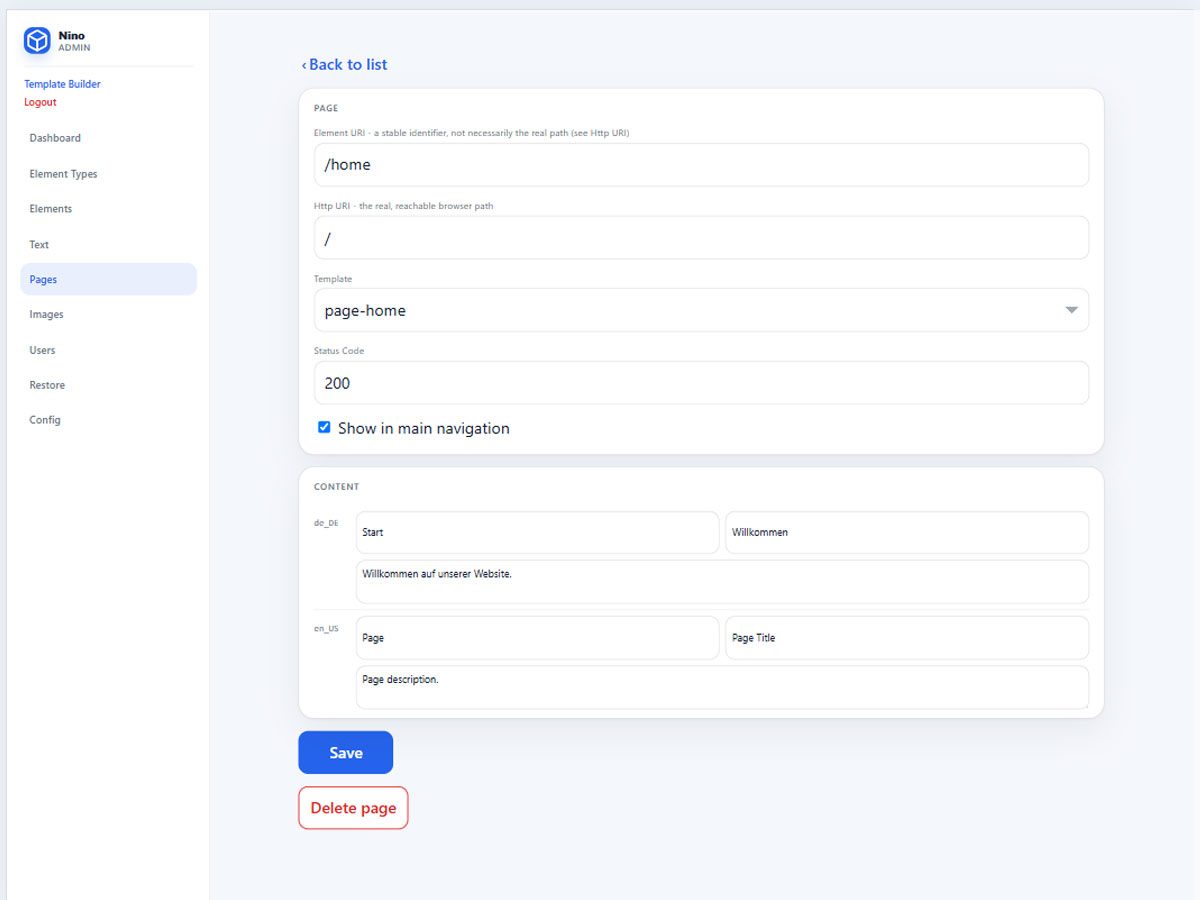
  • _admin Full project control

    Optional tools for developers. /_admin provides full access to the technical and editorial structure of the project: element types, content, texts, images, pages, routes, users, configuration, and restoration. Everything it changes remains available as readable files and can also be edited directly.

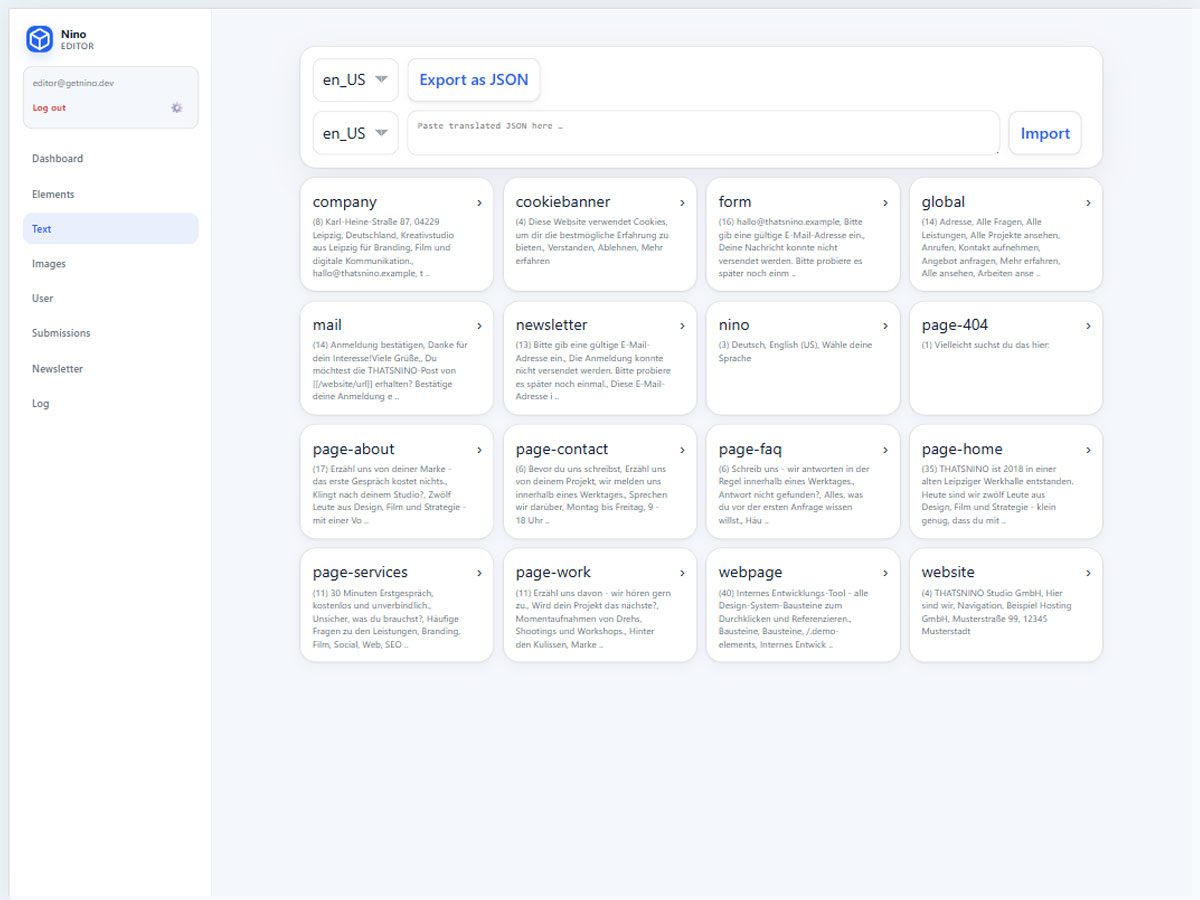
  • _editor Easy content maintenance

    Optional access for editors. /_editor exposes only the content and operational areas that an account is allowed to maintain. Editors can update texts, recurring elements, and images or manage submissions and newsletters without gaining access to the technical project.

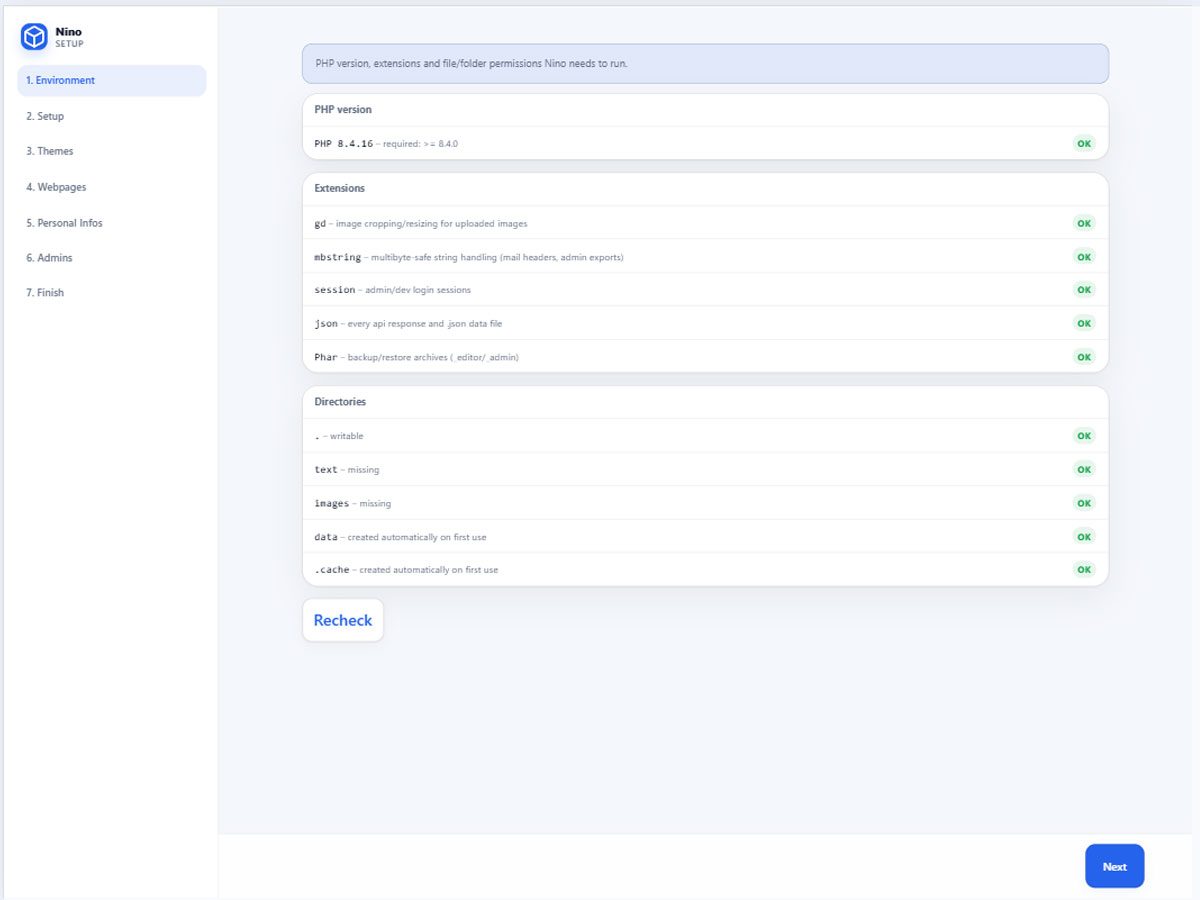
  • _install A working foundation

    Required once, removable afterwards. A fresh checkout is configured through /_install. The guided setup checks the environment, selects languages, modules, theme, and pages, creates the project files, and prepares the first accounts. Once setup is complete, the installer can be removed.

The missing layer

The missing layer between a static website and a full CMS.

HTML always first

Keep conventional HTML, CSS, and JavaScript as the foundation. Nino works around your frontend instead of replacing it.

Dynamic where needed

Add multilingual content, recurring elements, forms, navigation, users, and backups only where the website needs them.

Tools, not dependencies

Use the management interfaces when they help. Remove them when the project no longer needs them.

From checkout to handover

The three-step path to a maintainable website

  1. 1

    Install

    Start your project and create the initial state with /_install.

  2. 2

    Build

    Develop the website with templates, CSS, JavaScript, content, and project-specific PHP.

  3. 3

    Hand over

    Let editors maintain approved content while developers retain full control.

Technical Principles

Small by design

  • No database - Readable project files instead of a separate data system.
  • No runtime packages - No Composer bootstrap or third-party frontend libraries required.
  • Modular features - Activate only the modules the project actually uses.
  • Clear separation - HTML+ templates for presentation – PHP callbacks for logic.

What does Nino look like in code?

Mostly like the website you would have written anyway.

Three calls run the website. Nino initializes the project, turns the incoming HTTP request into a response, and sends it to the browser. The public entry point needs no application bootstrap, dependency container, or package loader.

index.php
<?php

require '_nino/Nino.php';

$appData = \Nino\init();
$request = \Nino\request( $appData, $_SERVER );

\Nino\output( $appData, $request );

HTML remains HTML. Textfills insert editable page content, while the [elements] block repeats the developer-written <article> for the selected services. Nino supplies the data; the project keeps control of the markup.

templates/page-home.tpl
[template /templates/html-header]

<section class="ui-section ui-section--alt">
    <div class="ui-grid-row">
        <div class="ui-grid-100">
            <h1 class="ui-section-title">[[/page-home/title]]</h1>
            <p class="ui-section-subtitle">[[/page-home/intro]]</p>
        </div>
    </div>
</section>

<section class="ui-section">
    <div class="ui-grid-row">
        [elements /services limit="3"]
            <div class="ui-grid-100 ui-grid-m-33">
                <article class="ui-article ui-article--alt">
                    <div class="ui-article-content">
                        <h2 class="ui-article-title">[[title]]</h2>
                        <p class="ui-article-descr">[[description]]</p>
                    </div>
                </article>
            </div>
        [/elements]
    </div>
</section>

[template /templates/html-footer]

Extend the project, not the kernel. A custom module registers its behavior during init(). Once enabled in config.php, its shortcode can be used inside any template without changing Nino itself.

_nino/Project/Hello/Hello.php
<?php

namespace Project;

class Hello {

    public static function init( array &$appData ): void {
        \Nino\Html::addShortcode(
            $appData,
            'hello',
            [ self::class, 'shortcode' ]
        );
    }

    public static function shortcode(
        array &$appData,
        array $args
    ): string {
        return 'Hello from the project.';
    }
}

Here is more.

Explore the source.

Experience a website built with Nino, then discover how little stands between the frontend and the code.